Orbit Flight Controls
key features of Orbit Flight mode are shown in this video.

Select Orbit Flight mode by pressing the sphere button. In Sandbox versions prior to version 4.20.0 you must press ALT + F to switch between orbit and free flight mode (only flight modes available).
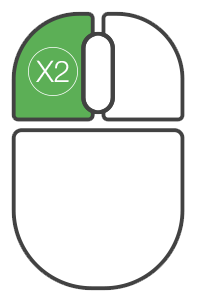
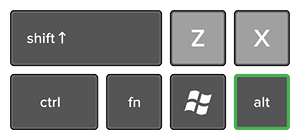
Orbit Camera Set Reference
ALT + double-click left mouse button to set new reference point for orbit.
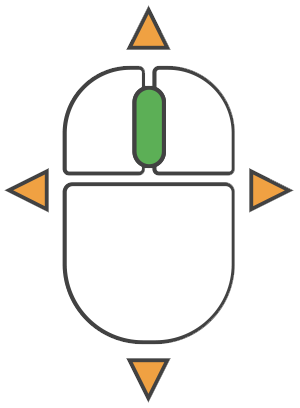
Orbit Pan
Press and hold middle mouse button + move mouse to pan around reference point.
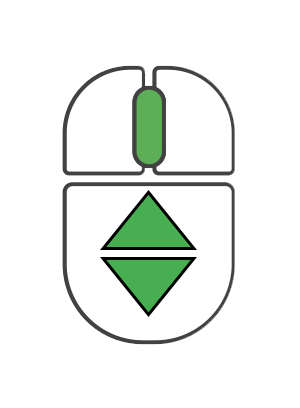
Orbit Camera Zoom
Scroll middle mouse button to zoom in/out from reference point.
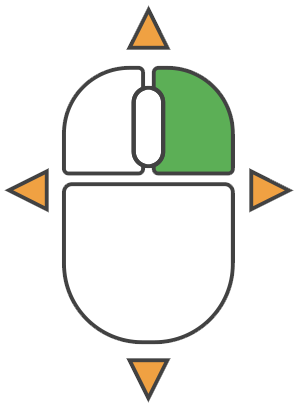
Orbit Camera Orbit Motion
Press and hold right mouse button + move mouse to orbit around reference point.
Flight
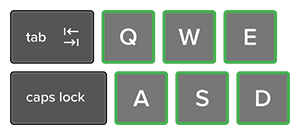

Hold right mouse button and one of W,A,S,D,Q,E keys:
W = Forward
A = Left
S = Backwards
D = Right
Q = Down
E = Up
Moving the mouse during orbit flight will move the camera relative to the reference point. The reference point moves with the camera during flight. Note: Shift and Ctrl buttons do not affect speed in orbit mode.