Local Data
Local Data is a menu used for browsing the local datasets you have access to.
Accessing Local Data


Using Local Data
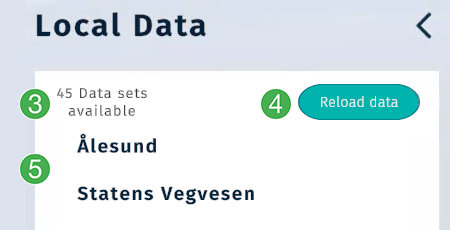
Shows the amount of local datasets you have access to.
Click
Reload datato refresh your data.Available datasets. Click on a folder to find your datasets.
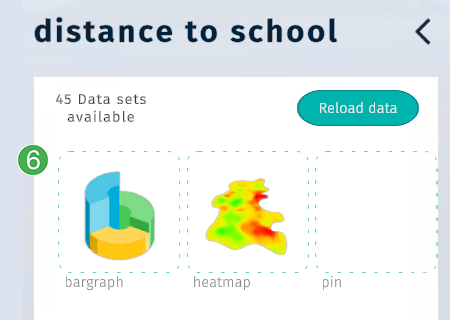
Datasets show a relevant or blank image. Click the image to enable the dataset in your scene.
Note
You may have to enable datasets in the Data View menu after adding them to your scene.
Tip
Review Data Visualiztion for more information about constructing and connecting your own datasets.