Sandbox Cloud Login
Open your browser and type in the following URL: cloud.osc.no.
You are presented with a login screen:
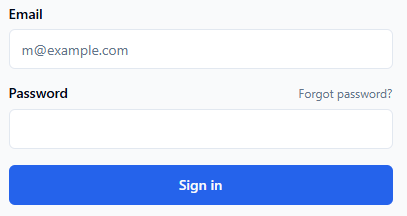
Type in the email address associated with your account in the
Emailfiled.Enter your password in the
Passwordfield.Note
Your password is the one you created using the link in the Reset your password email.
Press
Sign in.
Next: Start a session