Starting a Session
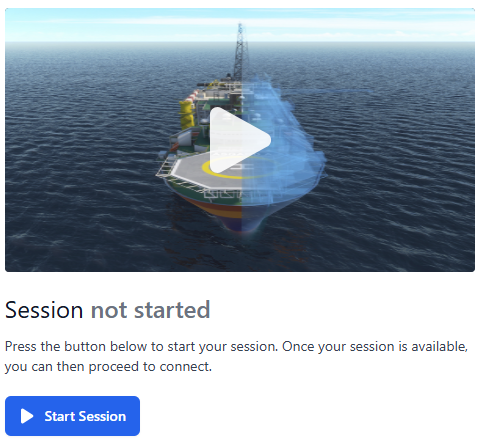
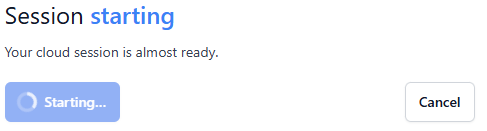
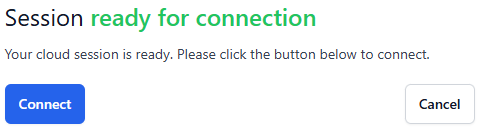
Once you have successfully logged on you will be redirected to the Dashboard. You are presented with the session launcher:
Next: Start a scene
Once you have successfully logged on you will be redirected to the Dashboard. You are presented with the session launcher:
Next: Start a scene