Set a Password
In order to use Sandbox you will have to set up a password for your account. This is done by using the link found in the Reset your password email you should have received from invite@oscgroup.no.
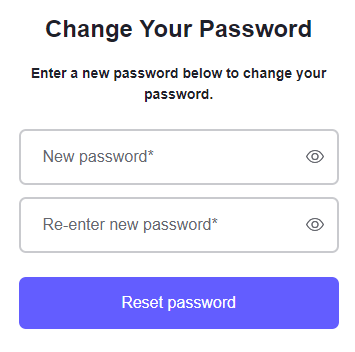
Enter your desired password in the two fields and press the Reset password button:
Next: Sandbox Cloud Login